What Is Cockpit
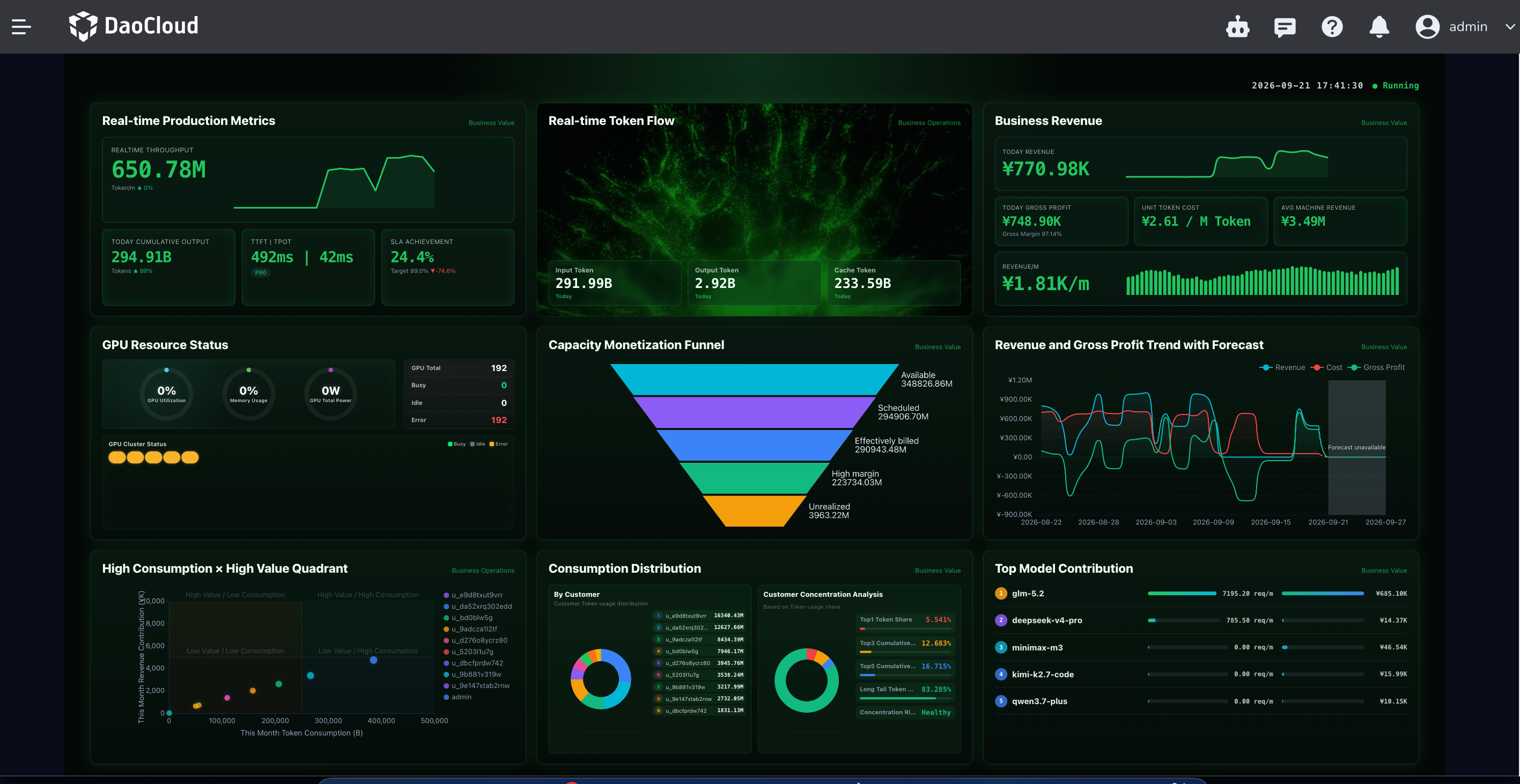
Cockpit is the operations visualization entry point in the Token Factory console. It aggregates compute capacity, token output, revenue and cost, and production health on a single screen, helping you keep track of the platform's business and operating status.
After you enter Cockpit, the Business Overview Panel opens by default.
How to Access
- Log in to the Token Factory console.
- In the product navigation, click Cockpit.
- You land on Business Overview by default. You can also switch to other enabled pages from the product submenu.
What You Can Do
- Business review (operations mode): view revenue, cost, gross profit, capacity monetization, and the customer consumption structure.
- Organizational governance (enterprise mode): view department quota consumption, organization usage distribution, and usage trends.
Differences Between Operations Mode and Enterprise Mode
Depending on the deployment mode, the metrics on the Business Overview Panel differ:
| Mode | Use case | What you see on the page |
|---|---|---|
| Operations mode | External MaaS operations | Business revenue, capacity monetization funnel, customer consumption distribution, SLA, and more |
| Enterprise mode | Internal enterprise AI operations | Business overview for the current period, department quotas, organization usage distribution, and more |
Related Documents
- Business Overview Panel
- Cockpit Release Notes
- Billing Center: go to Billing Center for operations related to bills, top-ups, and billing
Download Center Learn about d.run Token Factory Learn about d.run AI OS