Metric query
Metric query supports querying the index data of each container resource, and you can view the trend changes of the monitoring index. At the same time, advanced query supports native PromQL statements for Metric query.
Prerequisites
- The cluster has insight-agent installed and the application is in running state.
Steps
-
Click the primary navigation bar to enter Insight.
-
In the left navigation bar, select Metric.
-
After selecting query conditions such as cluster, type, node, and metric name, click Search, and the corresponding metric chart and data details will be displayed on the right side of the screen.
-
Support custom time range. You can manually click the Refresh icon or select a default time interval to refresh.
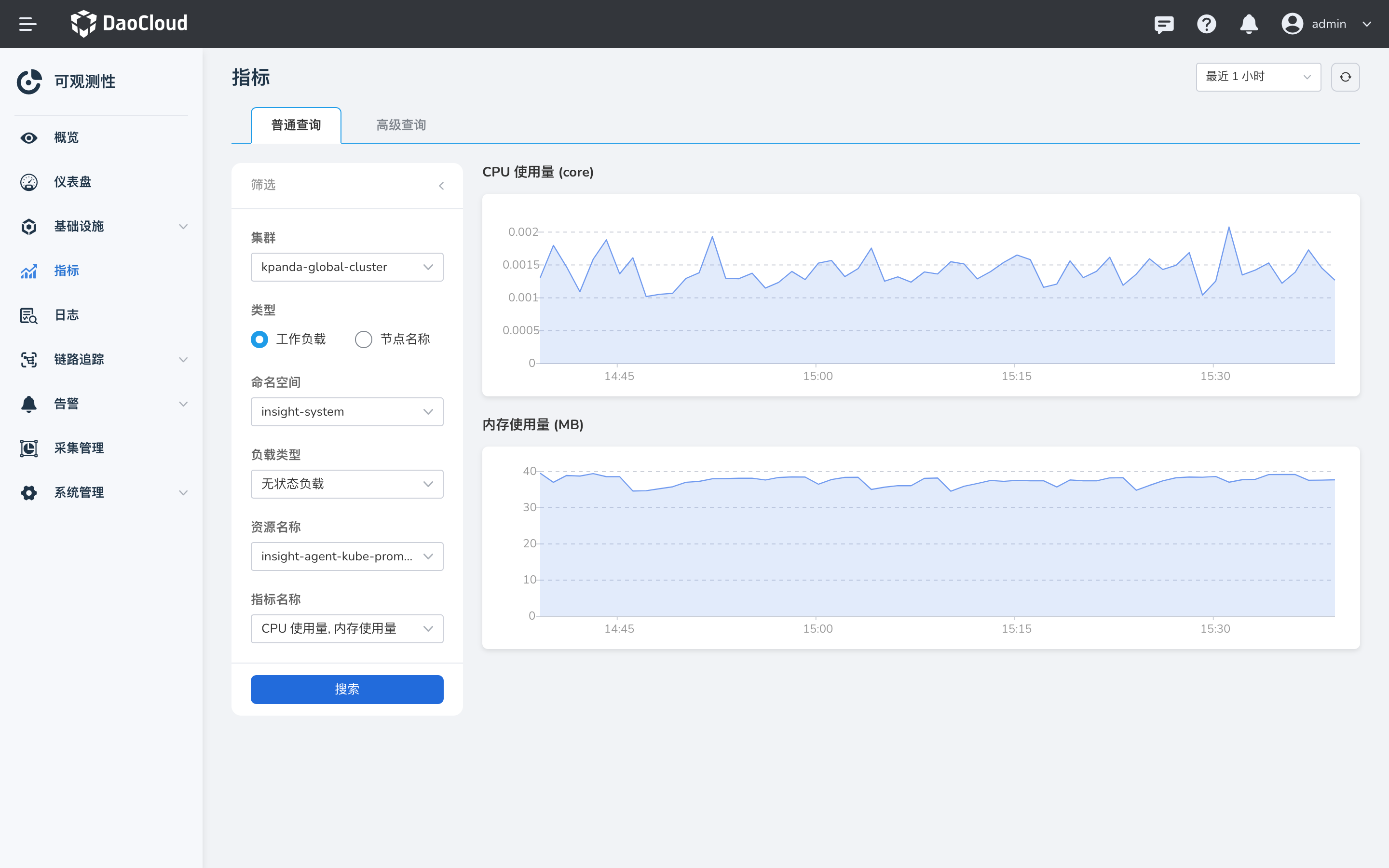
-
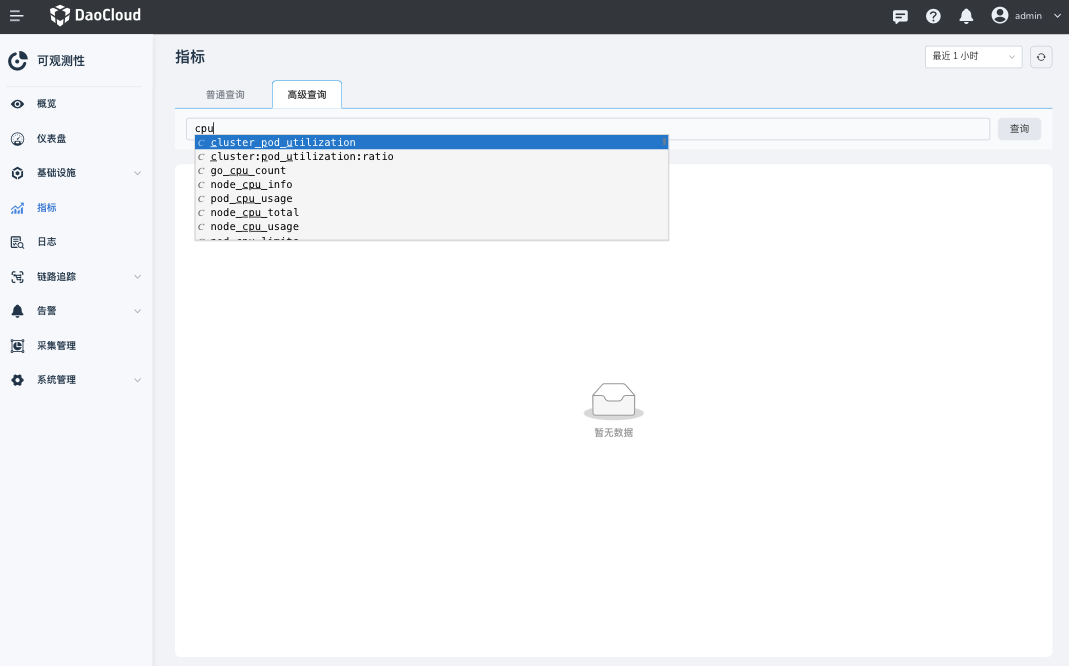
Click the Advanced Query tab to query with native PromQL.
Note
See PromQL Syntax.