System Configuration
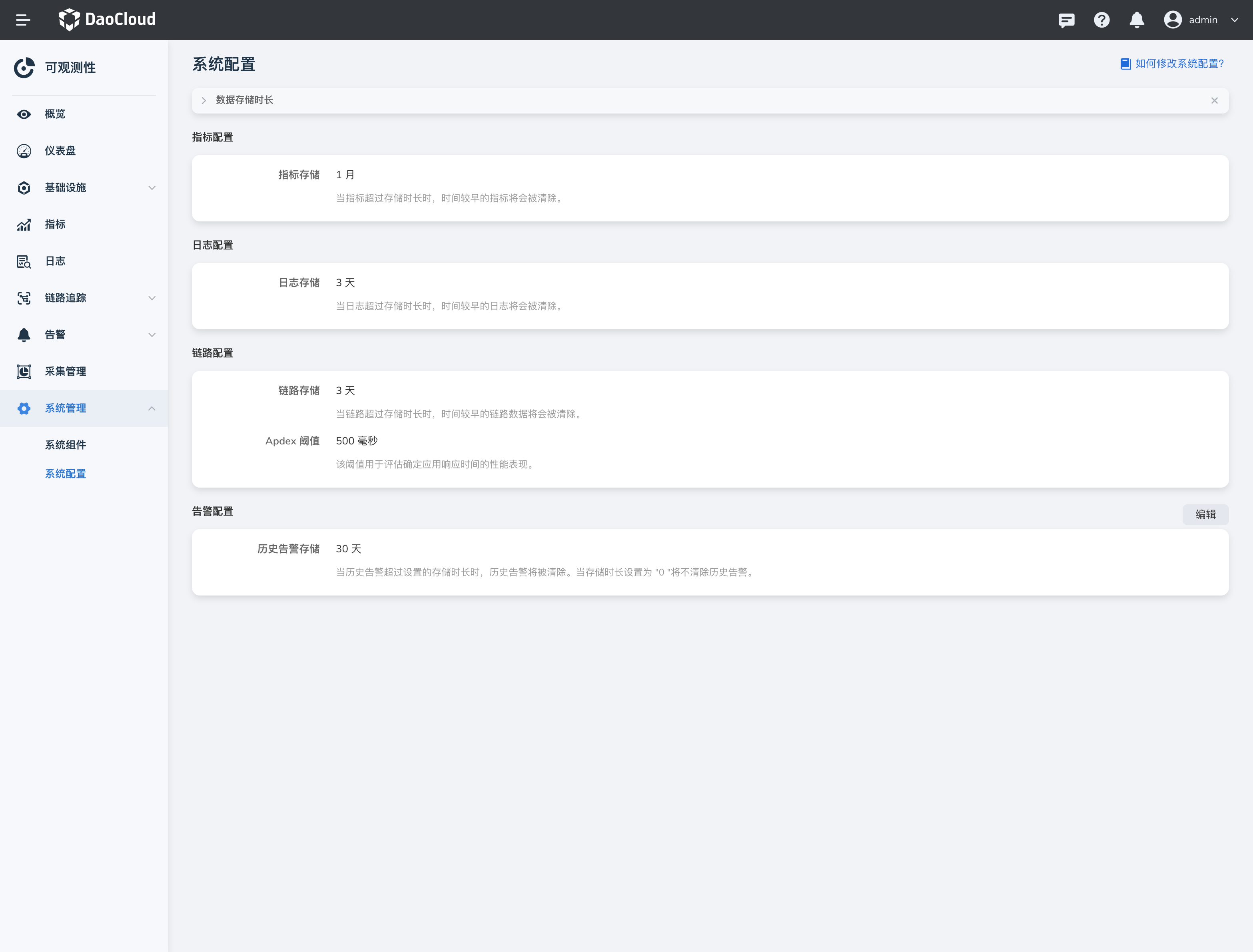
System Configuration displays the default storage time of metrics, logs, traces and the default Apdex threshold.
-
Click the right navigation bar and select System Configuration.
-
Currently only supports modifying the storage duration of historical alerts, click Edit to enter the target duration.
When the storage duration is set to "0", the historical alerts will not be cleared.

-
Modify the default configuration of the topology rendering, click Edit to define the topology thresholds in the system as needed.
The threshold must be greater than 0, the previously entered threshold must be less than the later entered one, and the entered thresholds must be within the maximum and minimum ranges.

Note
To modify other configurations, please click to view How to modify the system configuration?