update a PostgreSQL Instance
If you want to update or modify the resource configuration of PostgreSQL, you can follow the instructions on this page.
-
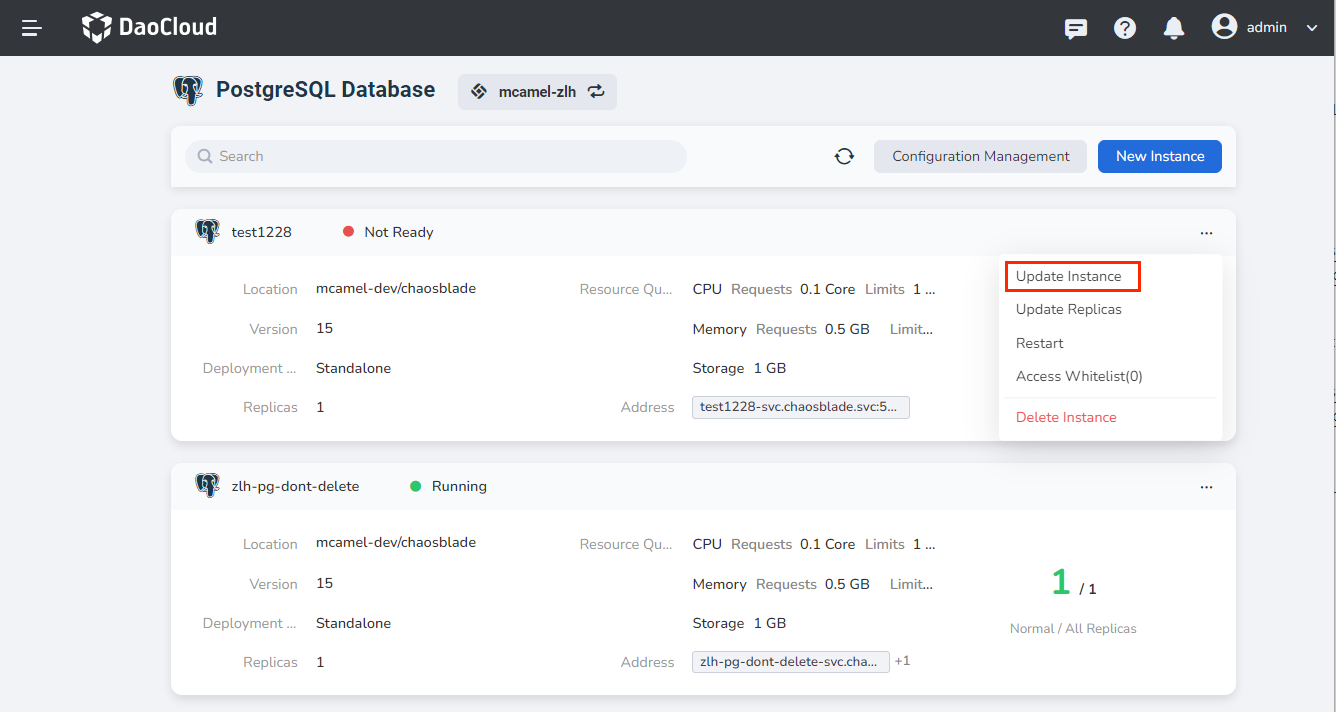
In the instance list, click the ┇ button on the right, and select Update Instance from the pop-up menu.
-
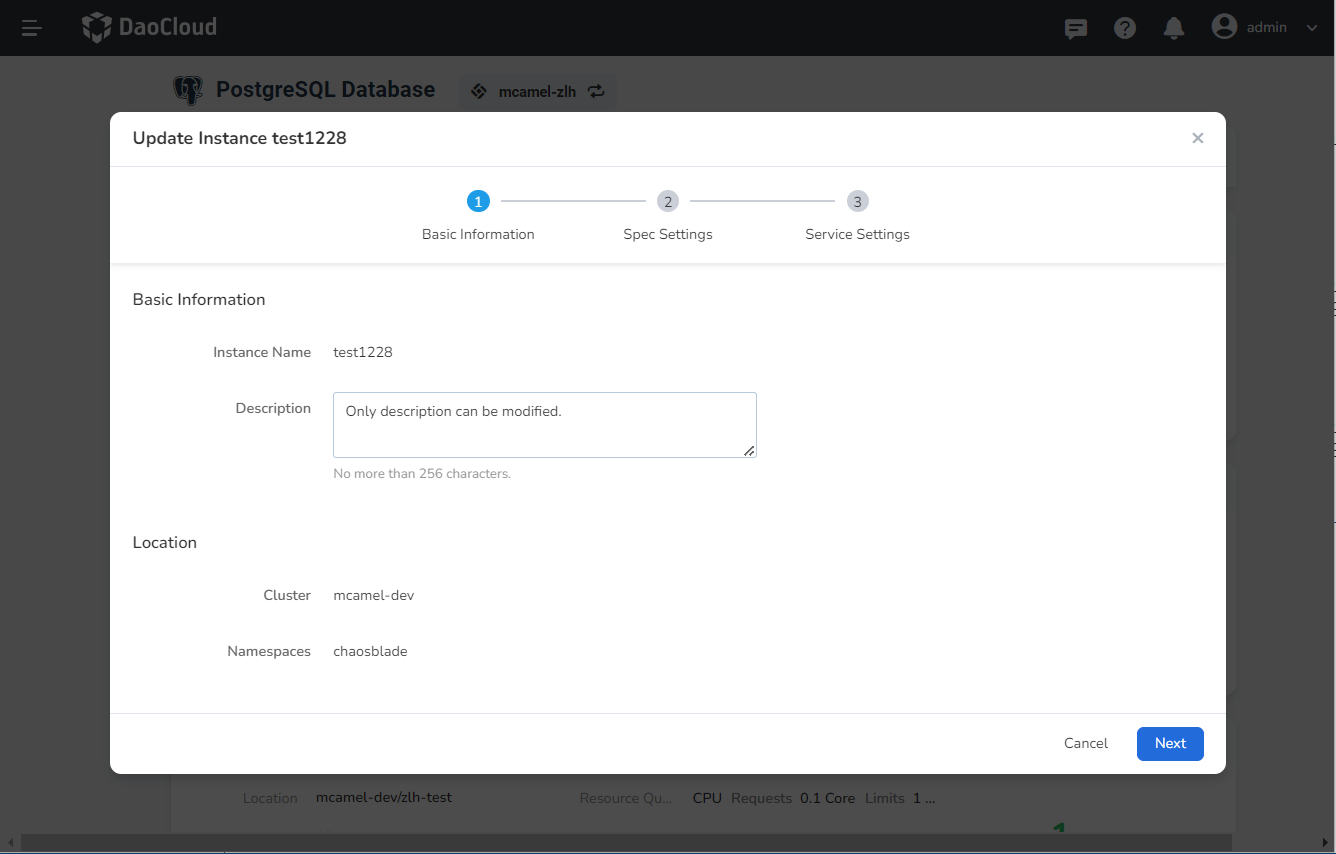
Basic information: Only the description can be modified. Then click Next .
-
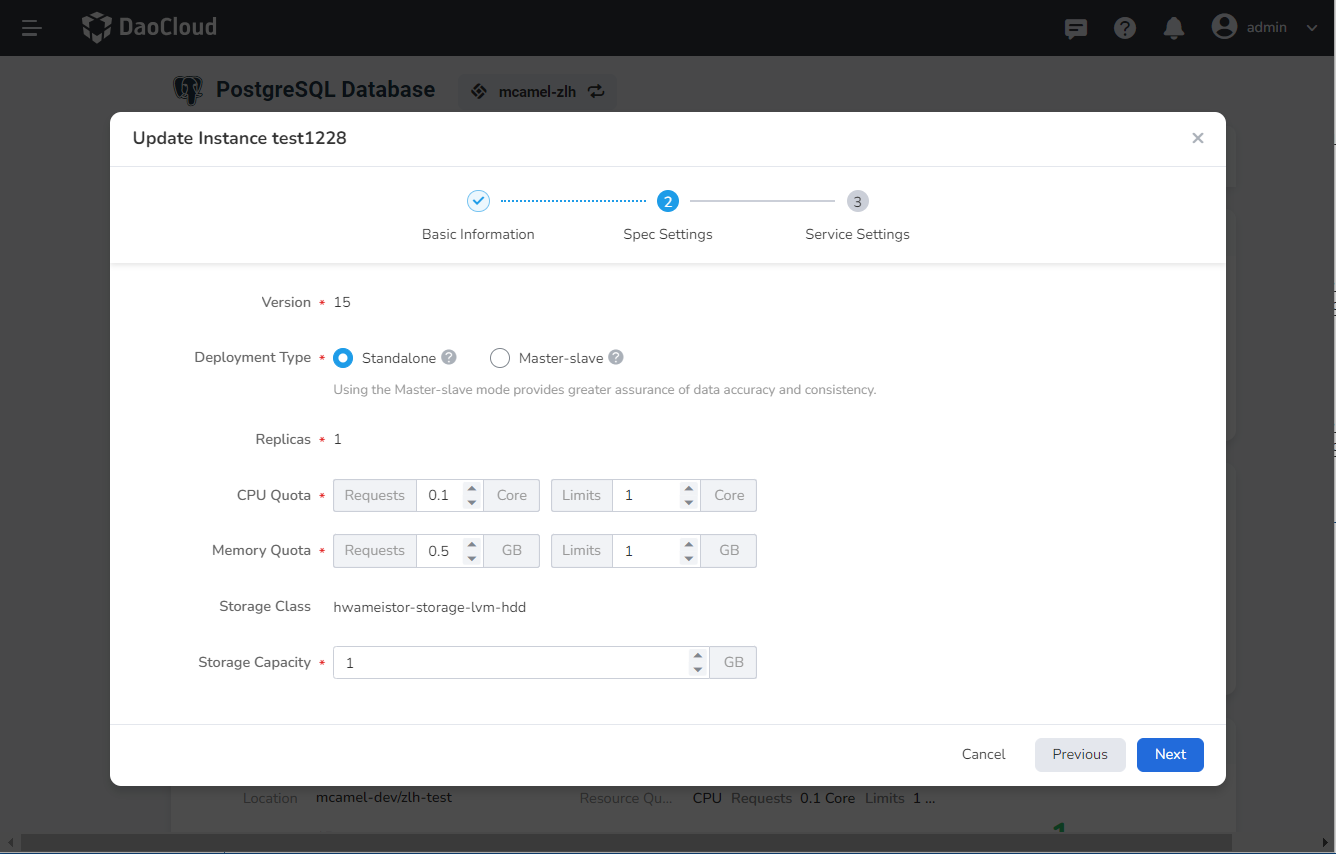
After modifying the specification settings, click Next .
-
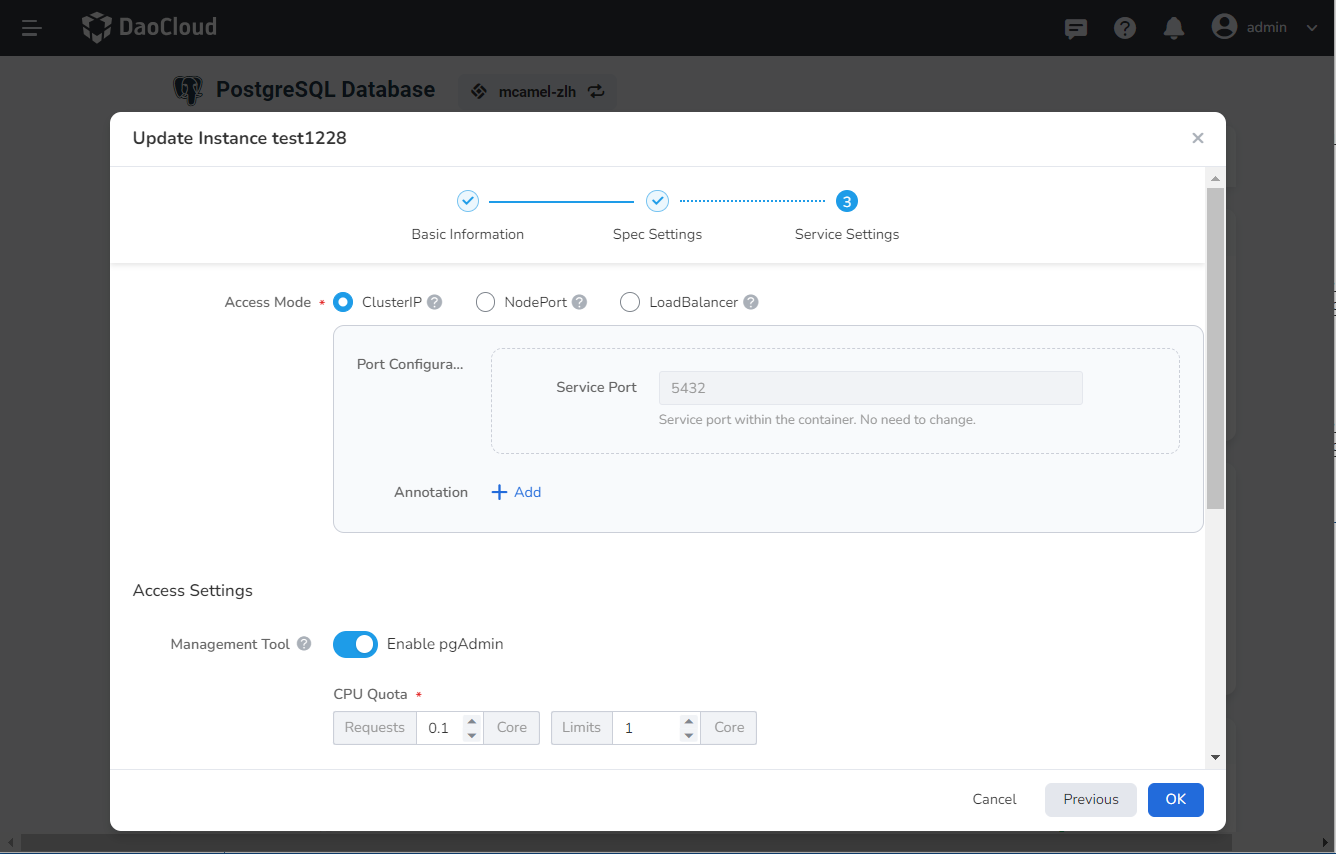
After modifying the service settings, click OK .
-
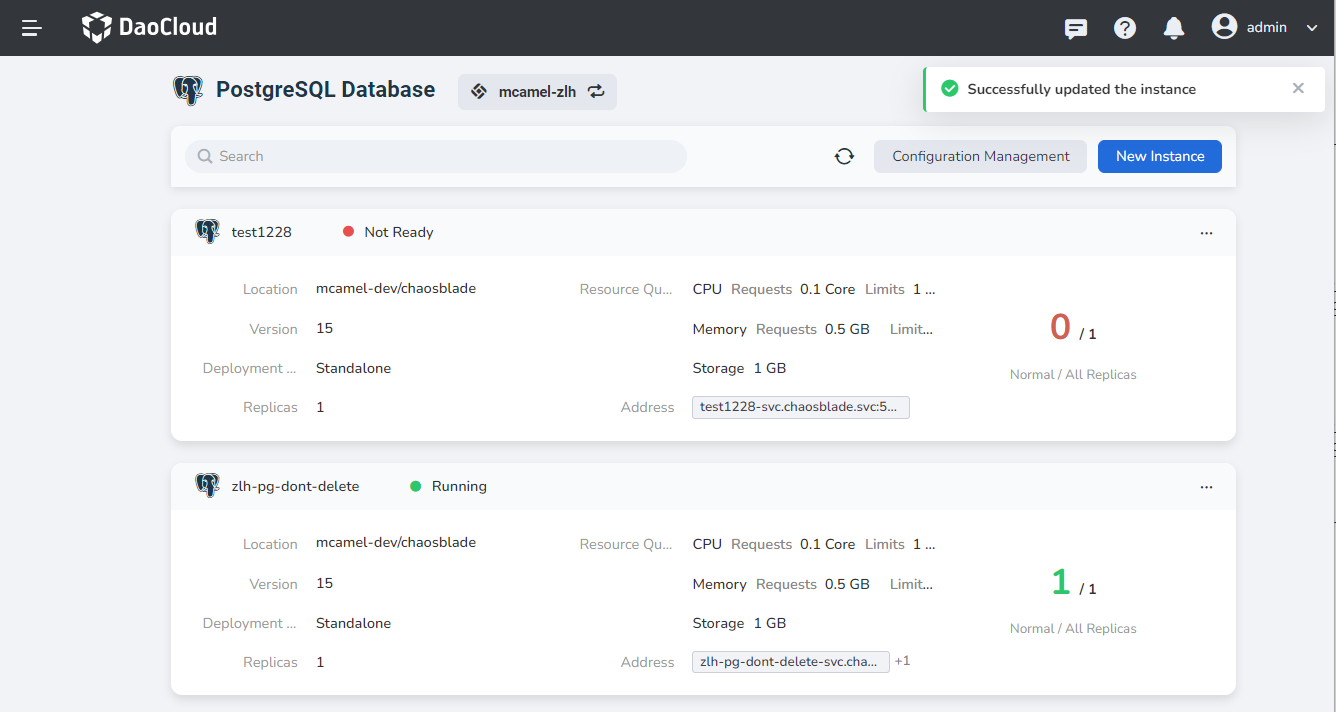
The instance configuration is updated successfully, and you can see the update result prompt in the upper right corner.