Gateway
Gateway is used to expose services outside the mesh. Compared with Kubernetes ingress objects, istio-gateway adds more features:
- L4-L6 load balancing
- Outgoing mTLS
- SNI support
- Other internal network features already implemented in Istio: Fault Injection, Traffic Shifting, Circuit Breaking, image
Concepts
For L7 support, gateway rules are implemented in conjunction with virtual services. Several important main fields are as follows:
-
Selector
Select the istio gateway for north-south traffic, you can use multiple or share one with other rules.
-
Servers
Information about services exposed externally, including hosts, listening port, and protocols.
-
TLS
Provide external mTLS protocol configuration, users can enable three TLS modes, and can customize CA certificate and other operations.
Example:
spec:
  selector:
    istio: ingressgateway
  servers:
  - port:
      number: 80
      name: http
      protocol: HTTP
    hosts:
    - istio-grafana.frognew.com
Steps
Service mesh provides two creation methods: wizard and YAML. The specific steps to create through the wizard are as follows:
-
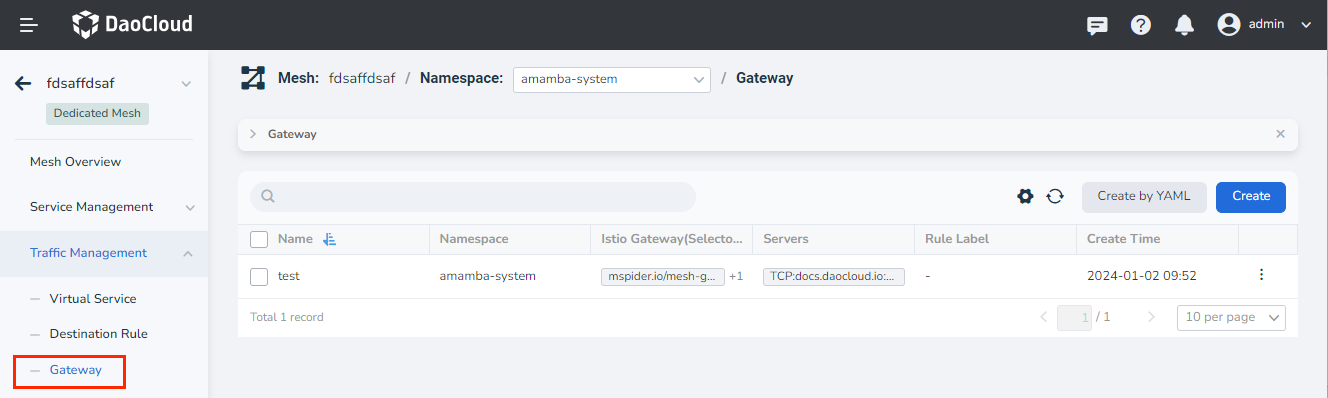
In the left navigation bar, click Traffic Management -> Gateway , and click the Create button in the upper right corner.
-
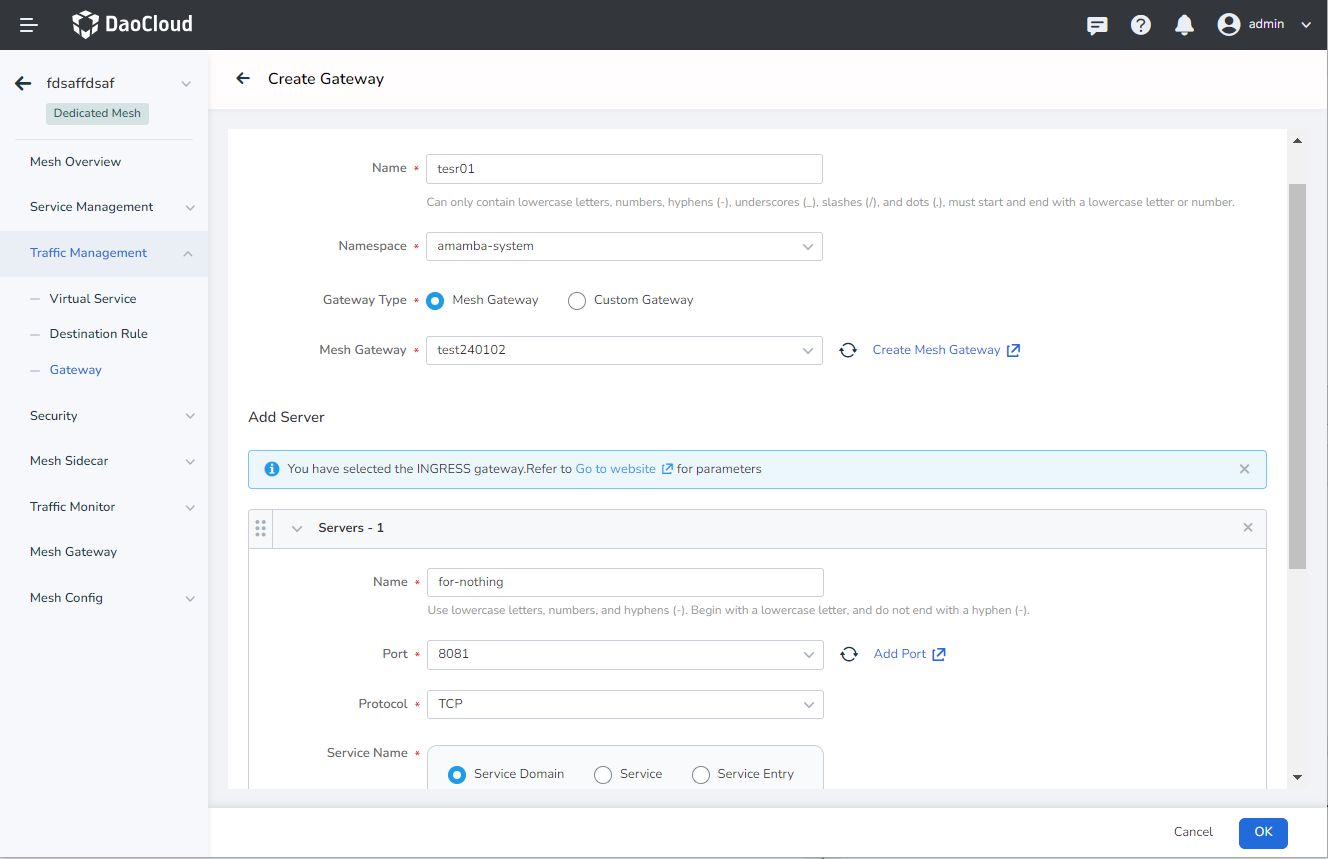
In the Create Gateway interface, configure the basic information, add the server as needed, and click OK .
-
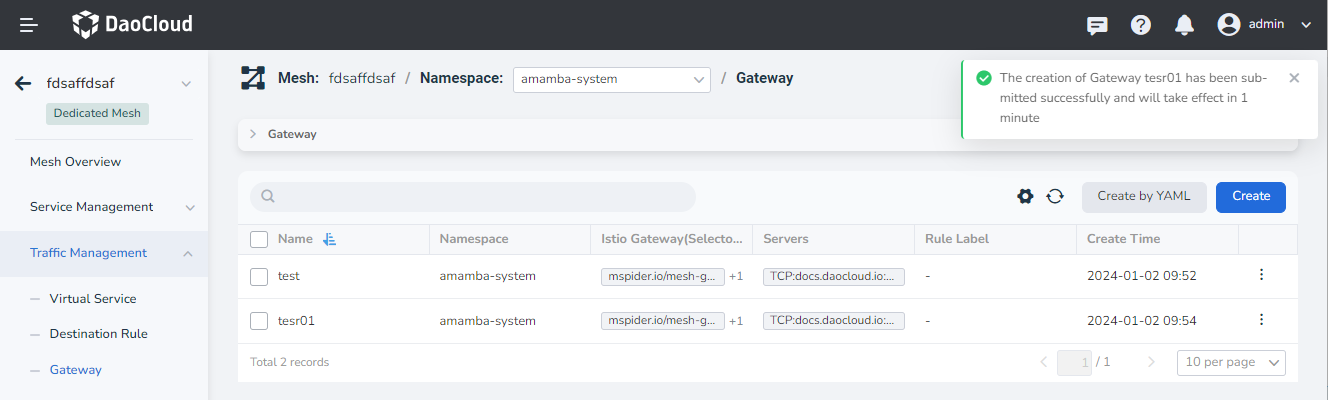
Return to the list of gateway rules, and the screen prompts that the creation is successful.
-
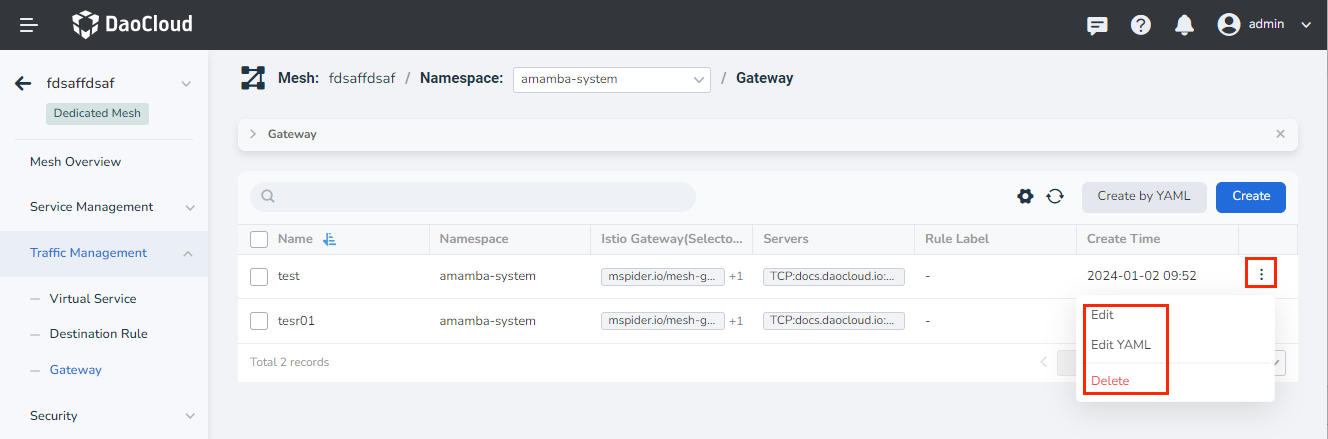
On the right side of the list, click ┇ in the operation column to perform more operations through the pop-up menu.