Enable Two-Factor Authentication on GitHub
To become a GitHub member, reviewer, approver, or owner of certain projects, besides signing the CLA, your account needs to have two-factor authentication enabled.
Enable Two-Factor Authentication
-
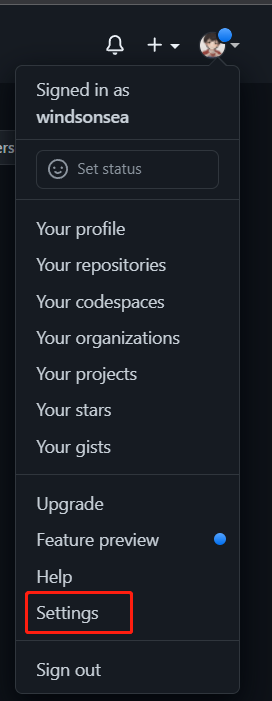
Log in to GitHub, click the dropdown arrow next to your avatar in the top right corner, and select Settings.
-
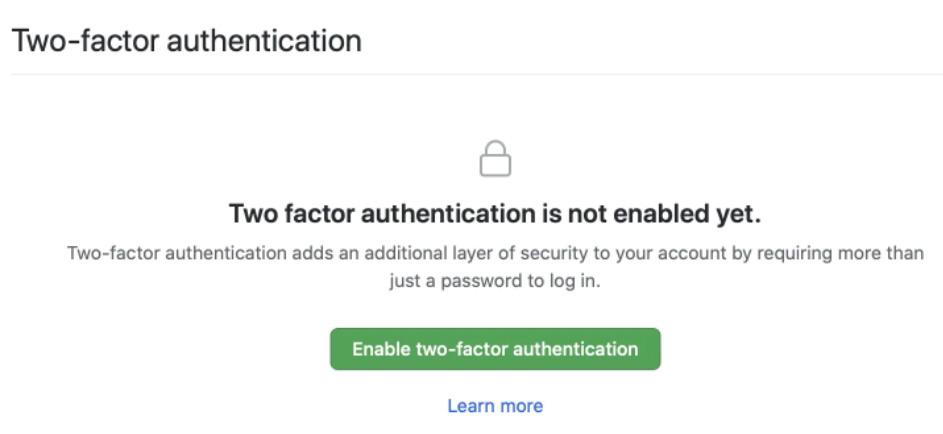
Select Password and authentication -> Enable two-factor authentication.
-
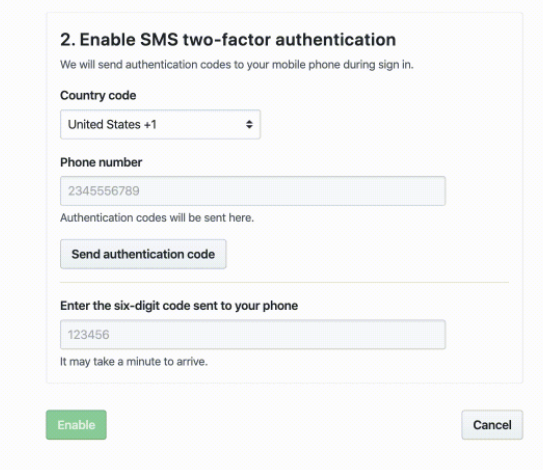
Select SMS authentication method.
-
Can't find China -! Fortunately, there's always a solution. For example in Chrome, right-click on the current page, select __Inspect_ -> Console, and run the following command at the cursor:
-
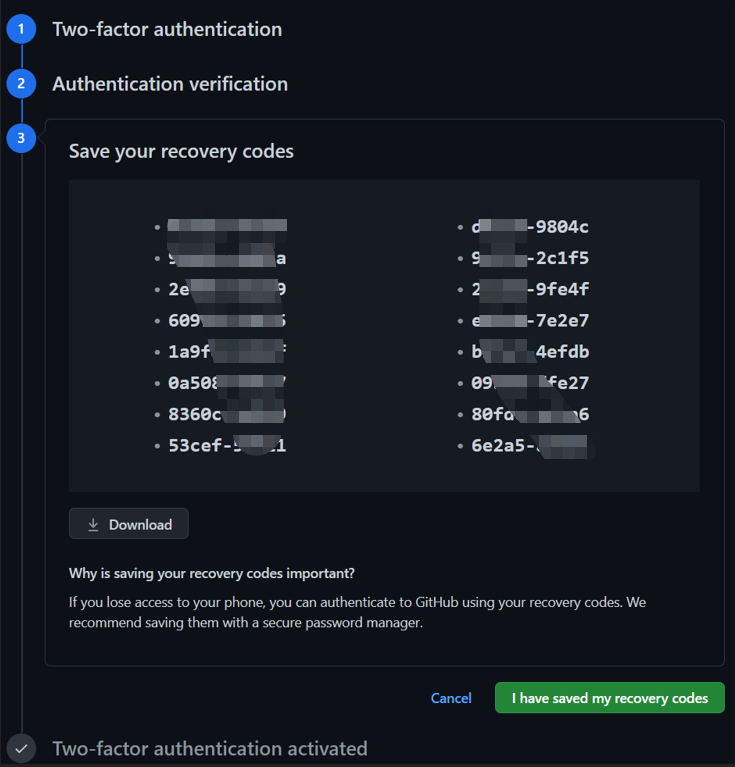
Now +86 appears, enter your phone number, click Send authentication code, enter the six-digit code from SMS, and the screen will show 16 recovery codes.