VSCode Editing Tips
VSCode is currently the most widely used IDE development environment.
Extensions
Installing some extensions can greatly improve your efficiency. Click View -> Extensions to find many extensions. Here are some recommended extensions:
- HTTP/s and relative link checker: Check links in multilingual documents
- Markdown Link Updater: When you modify a file name or move a folder, it automatically updates relative paths, saving manual adjustment time
- i18n Ally: Essential tool for UI multilingual translation
- Markdownlint: Check markdown syntax for more standard and beautiful documentation
- Markdown Preview Mermaid Support: Preview mermaid flowcharts in real-time
- VS Code Counter: Count code lines by folder
Habits
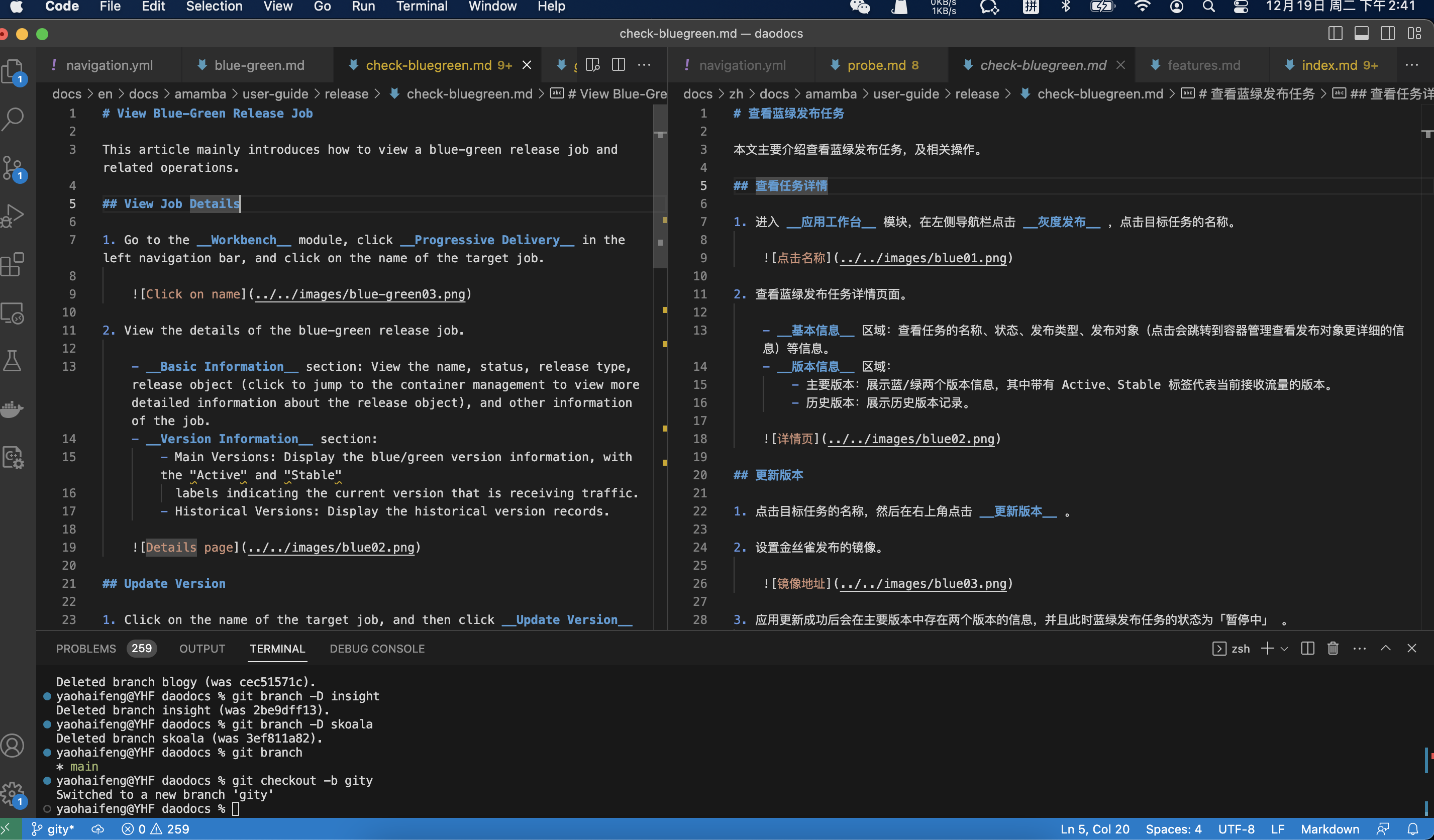
If you work with multilingual documents, split-screen operation is recommended, for easy Chinese-English comparison, with terminal at the bottom for commands.
Editing Repo
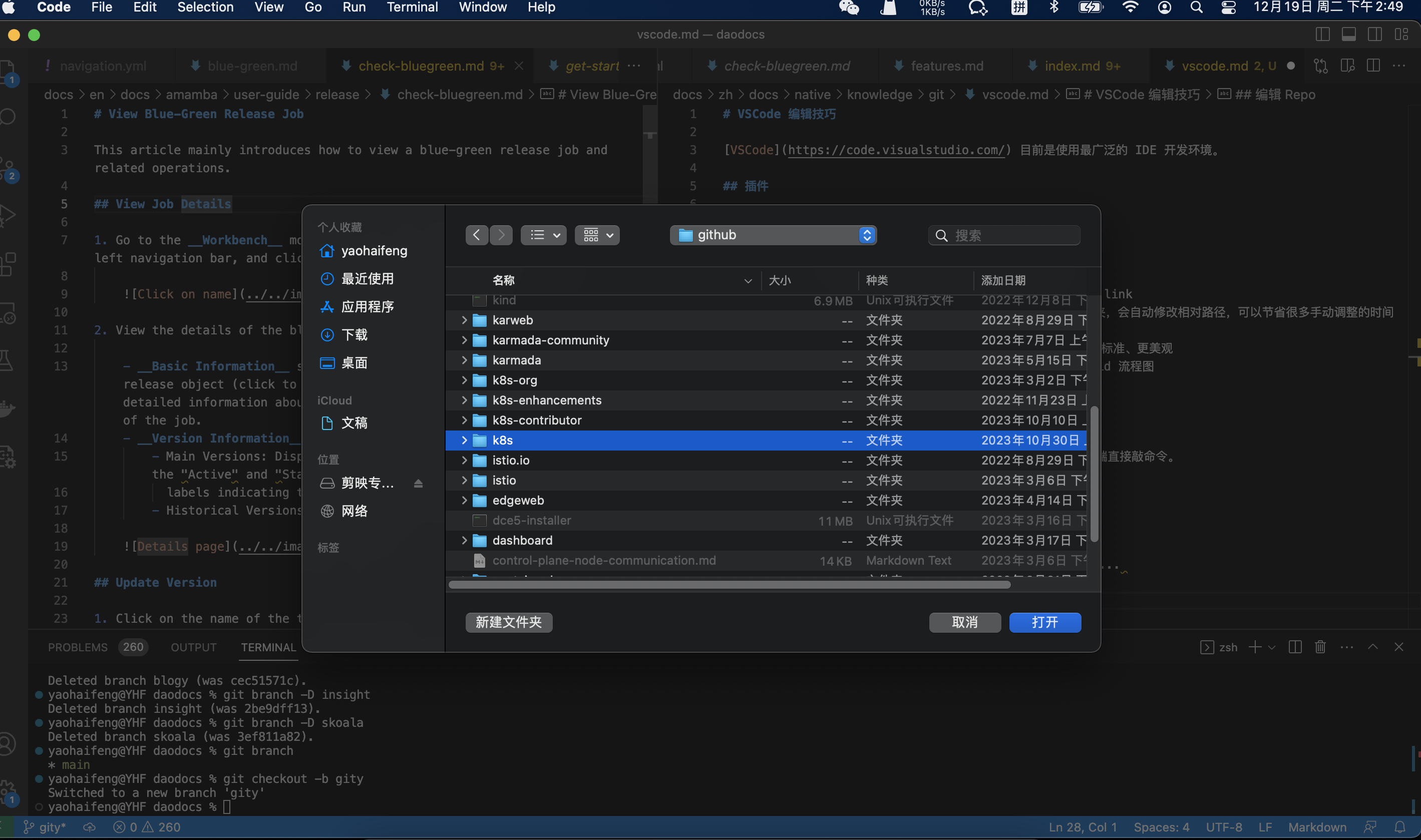
After git clone a repo, it is recommended to use File -> Open Folder... to enter the repo workspace. Then you can run various git commands in the terminal at the repo root.