Install kgateway
This page describes how to install the kgateway component.
Make sure your cluster has been successfully connected to the Container Management platform, then perform the following steps to install kgateway.
-
In the left navigation bar, click
Container Management->Cluster List, and then find the name of the cluster where you want to install kgateway.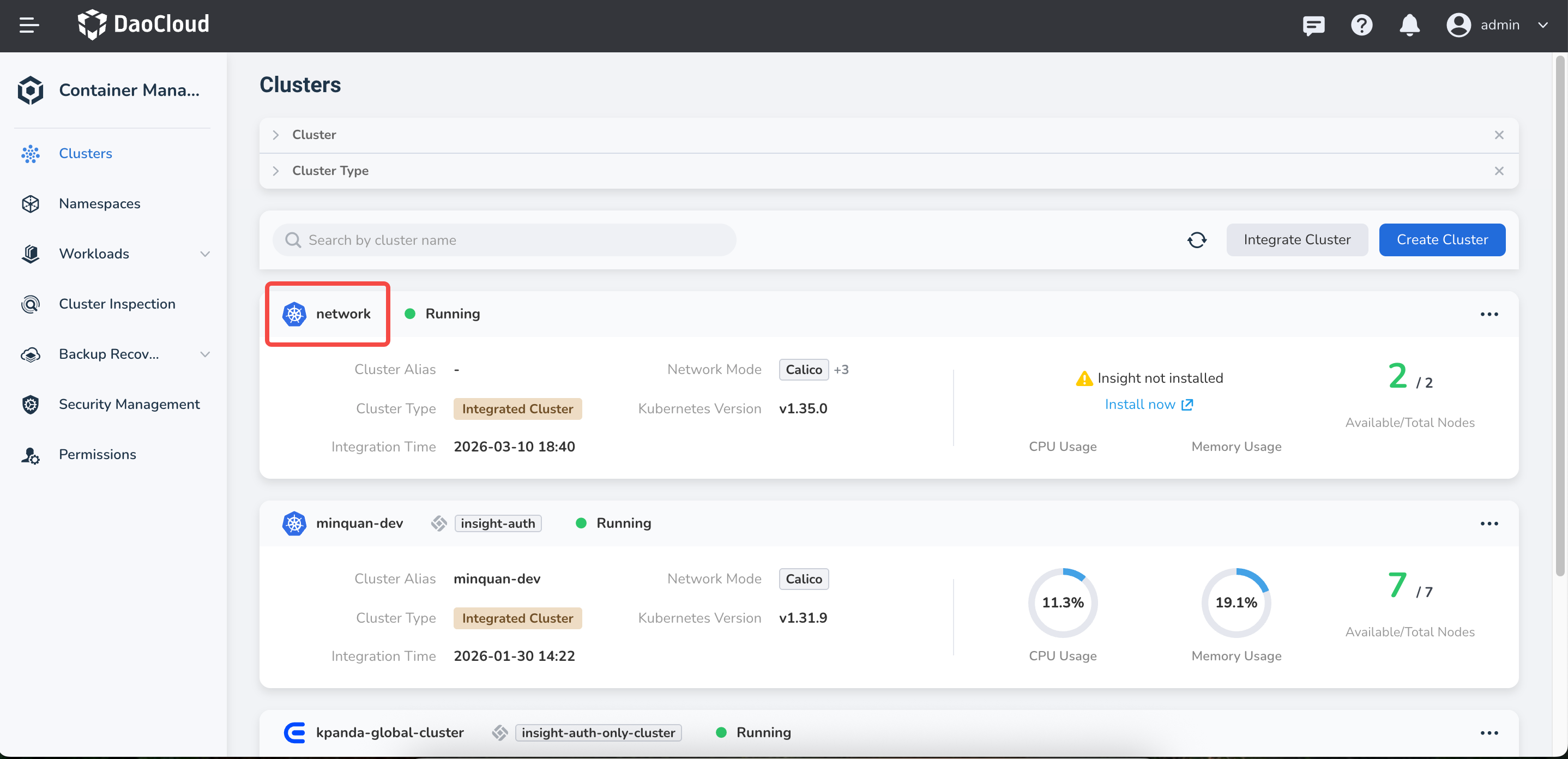
-
In the left navigation bar, select
Helm Apps->Helm Templates, find and clickkgateway.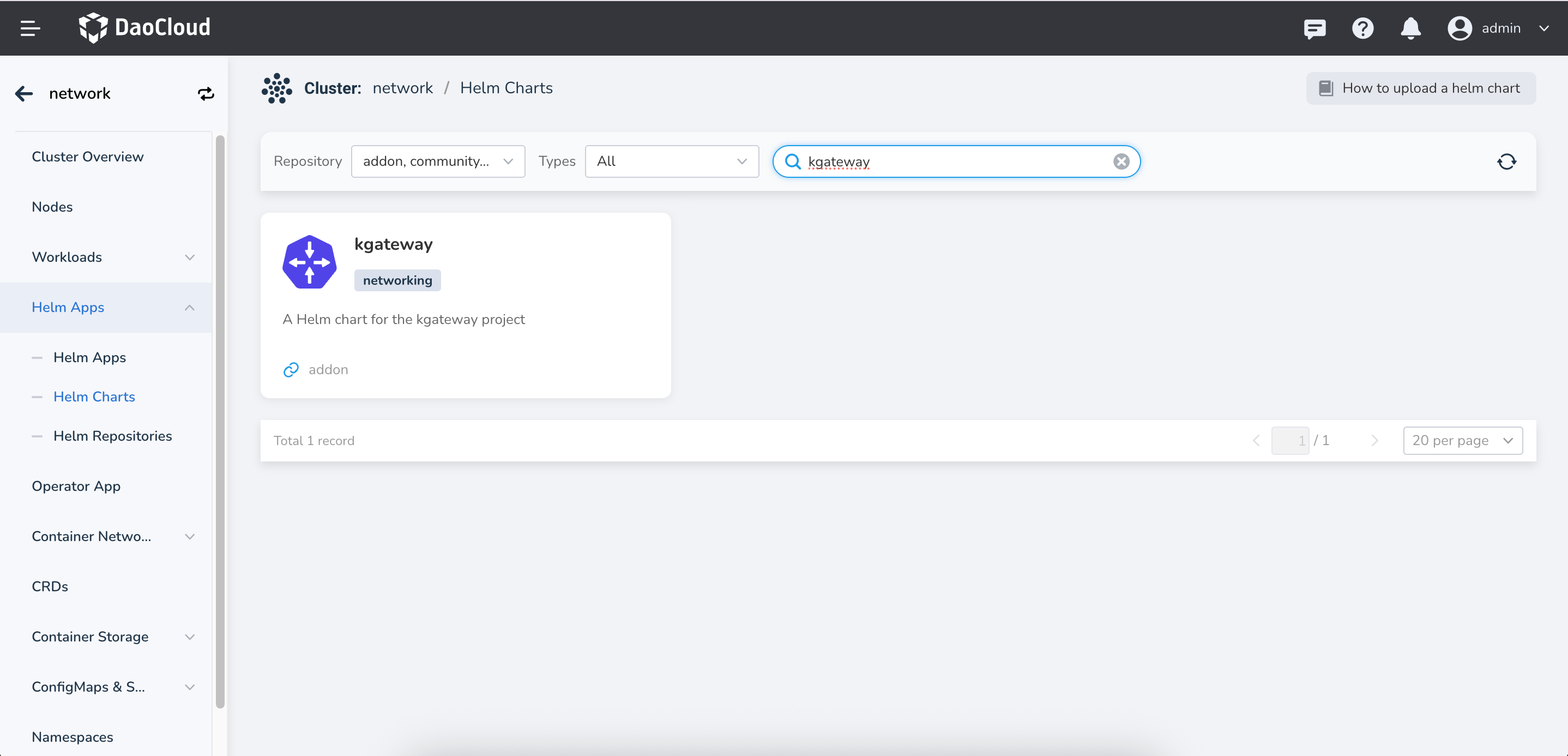
-
In
Version Selection, select the version you want to install and clickInstall.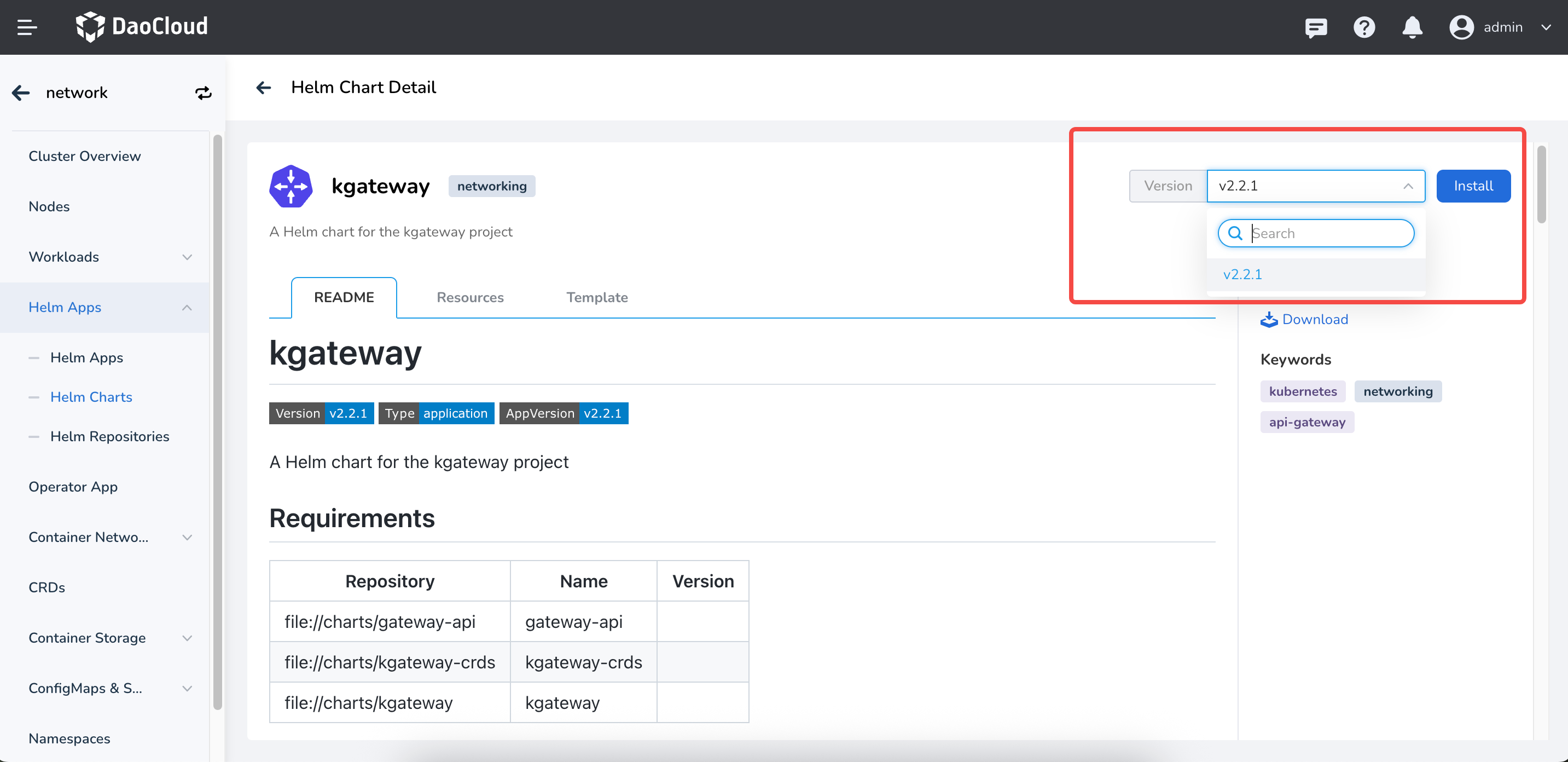
-
On the installation page, fill in the required installation parameters.
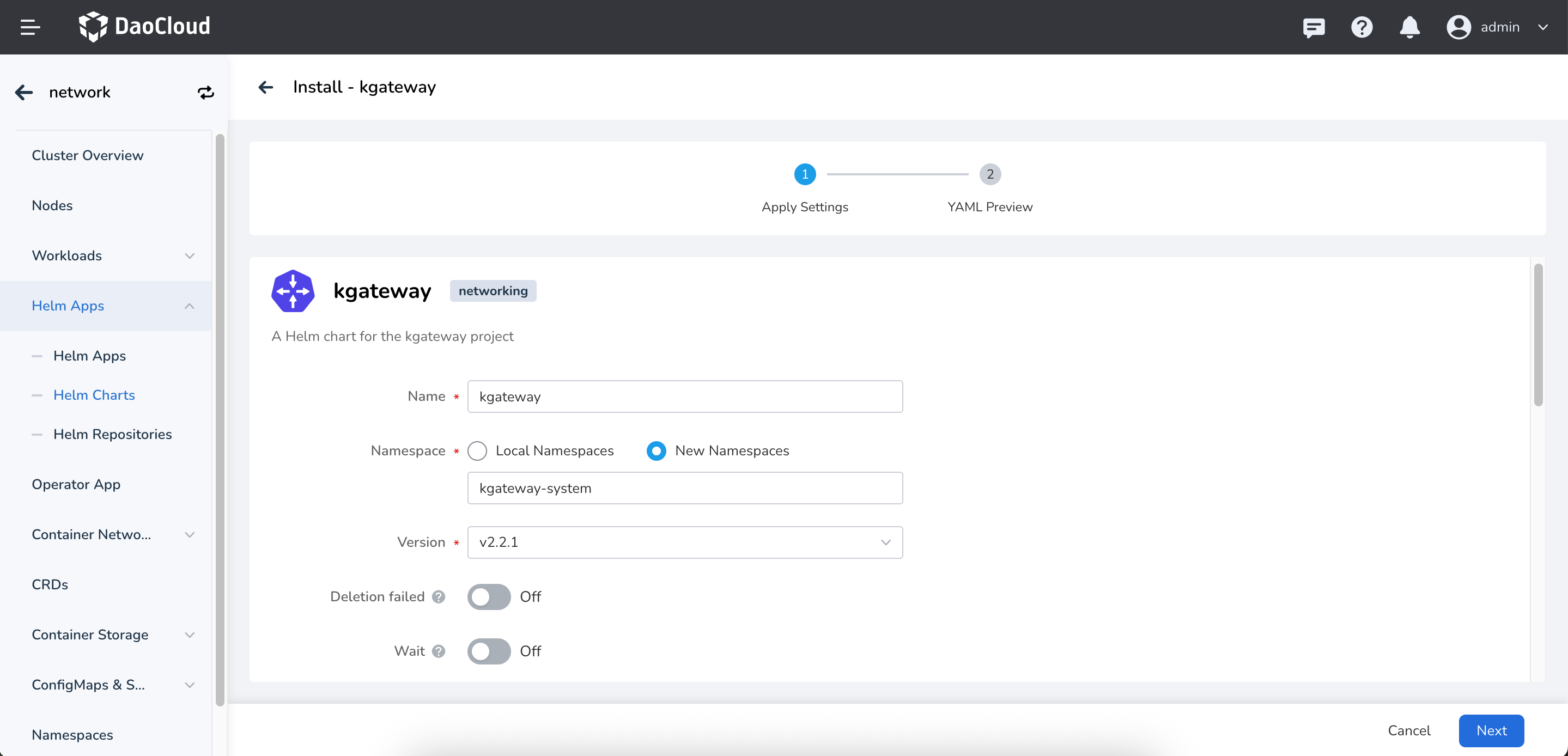
On the page above, enter the application name, namespace, and deployment options.
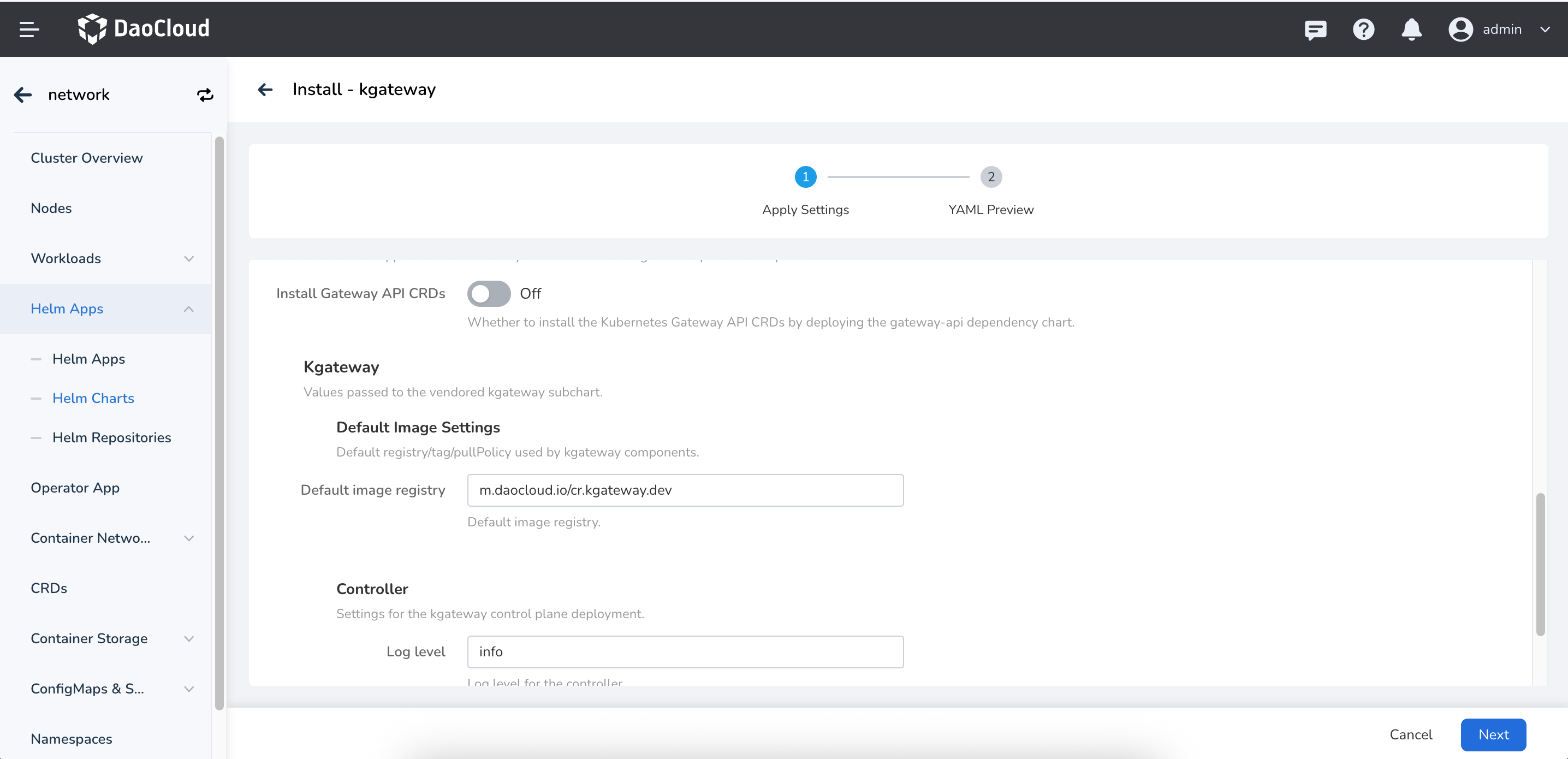
The parameters in the figure above are described as follows:
Install Gateway API CRDs: Whether to install Gateway API CRDs. The default value is false. If the Gateway API is not installed in the cluster, enable this option; otherwise kgateway cannot work properly.Kgateway->Default image settings: Configure the default image repository address of kgateway. The default value ism.daocloud.io/cr.kgateway.dev.Kgateway->Controller->Log Level: Configure the log level of the kgateway Controller. The default value isinfo.Kgateway->Controller->Replicas: Configure the number of replicas of the kgateway Controller. The default value is1.
-
For more advanced configuration, click the
YAMLtab to configure through YAML. Click theOKbutton in the lower right corner to complete the creation.