Integrate Registry
Supported registries: Nacos Registry, Eureka Registry, Zookeeper Registry, Consul Registry, Kubernetes Registry, Mesh Registry.
Compared with hosted registries, integrated registries only support some basic operations, such as viewing basic information and monitoring information. If you want to experience more advanced and comprehensive management operations, you need to create a Hosted Registry.
Integrate
To integrate a registry, follow these steps:
-
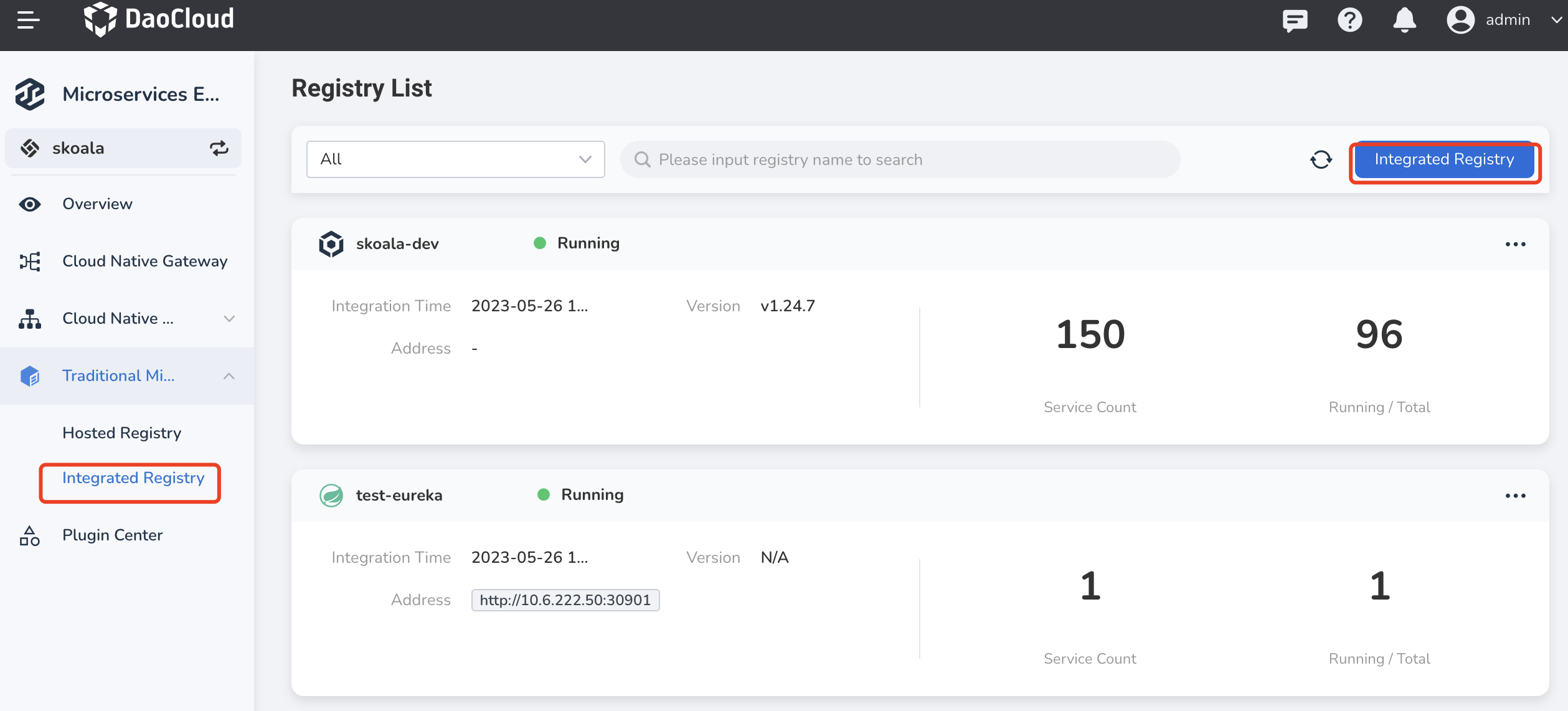
Click Traditional Microservices → Integrated Registry in the left navigation bar, and then click Integrate Registry in the upper right corner of the page.
-
Complete required information and click OK at the bottom of the page.
Different types of registries requires different information.
-
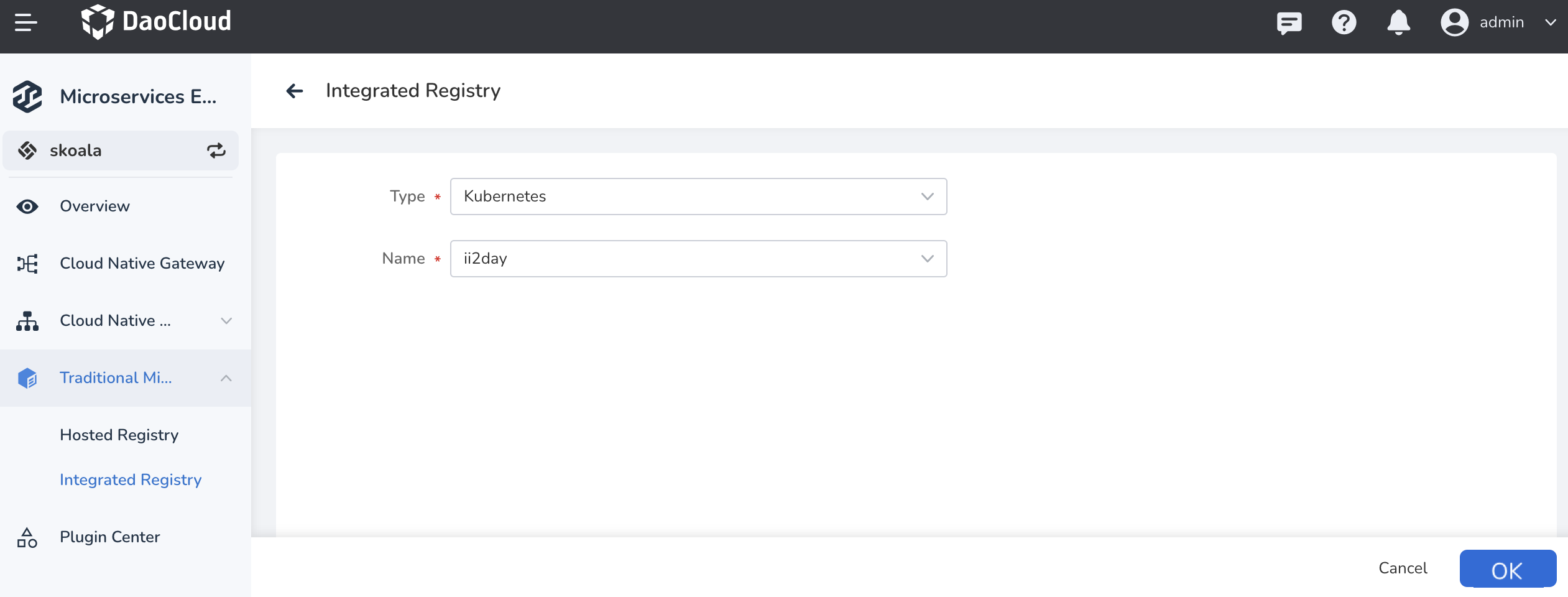
Kubernetes/Mesh registry: directly select a cluster or service service
-
If your expected cluster doesn't appear in the drop-down list, go to the Container Management module to Integrate Cluster or Create Cluster.
-
If your expected mesh doesn't appear in the drop-down list, go to the Service Mesh module to Create Mesh.
-
-
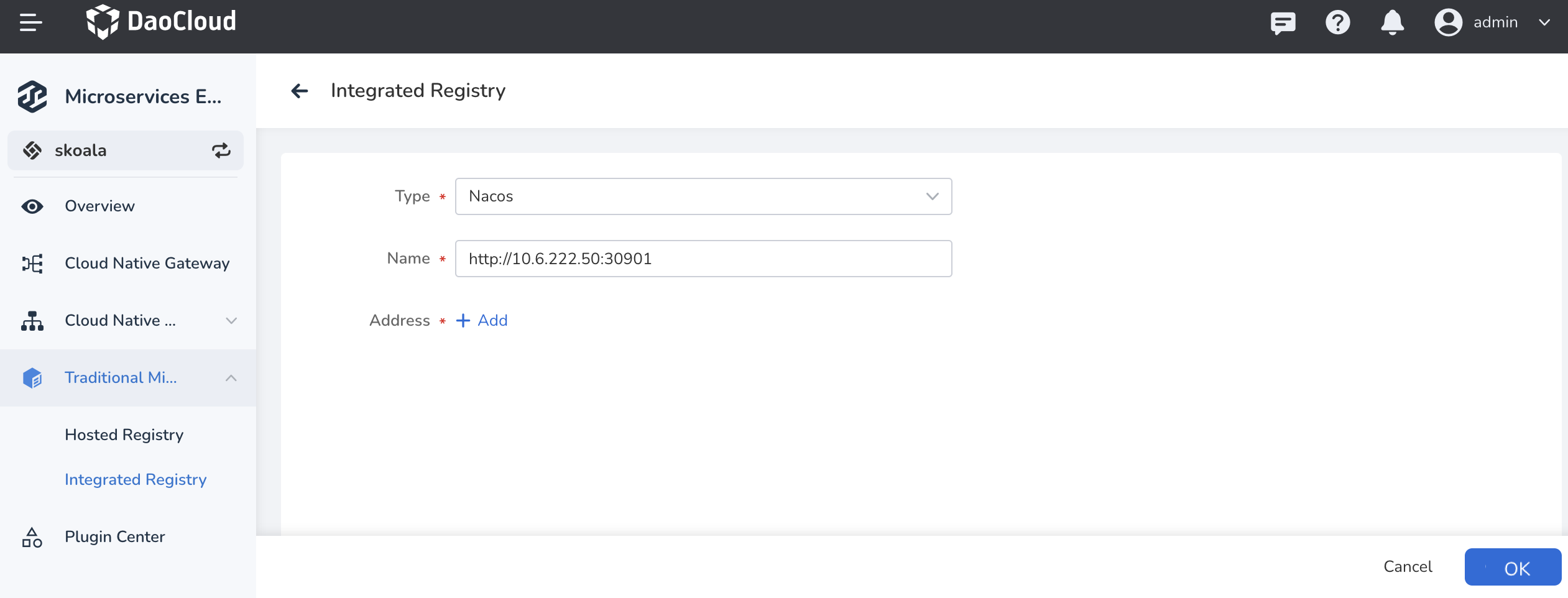
Nacos/Zookeeper/Eureka/Consul registries: fill in the name and address of the registry, and click OK , and service authentication is also supported.
-
Update
The microservice engine currently only supports updating the configuration of Nacos/Zookeeper/Eureka registries.
-
In the
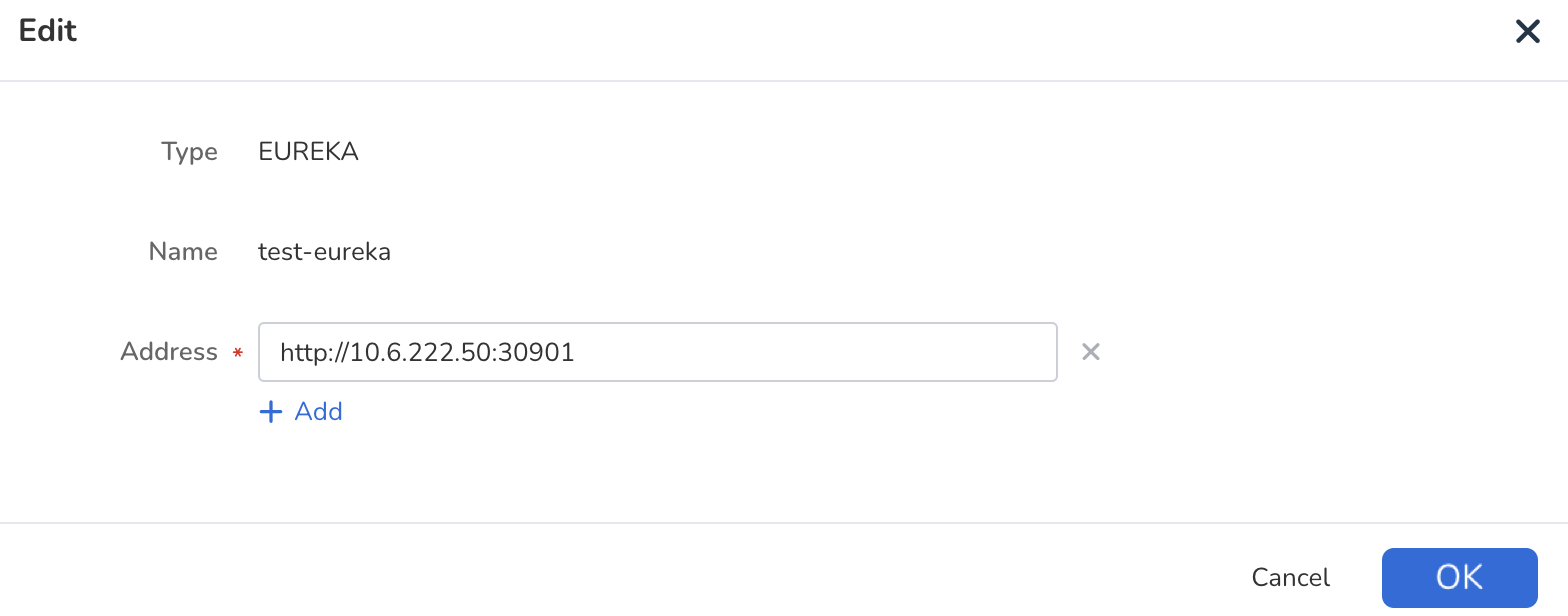
Registry Listfind registry you need to update, on the right side click ┇ and select Edit .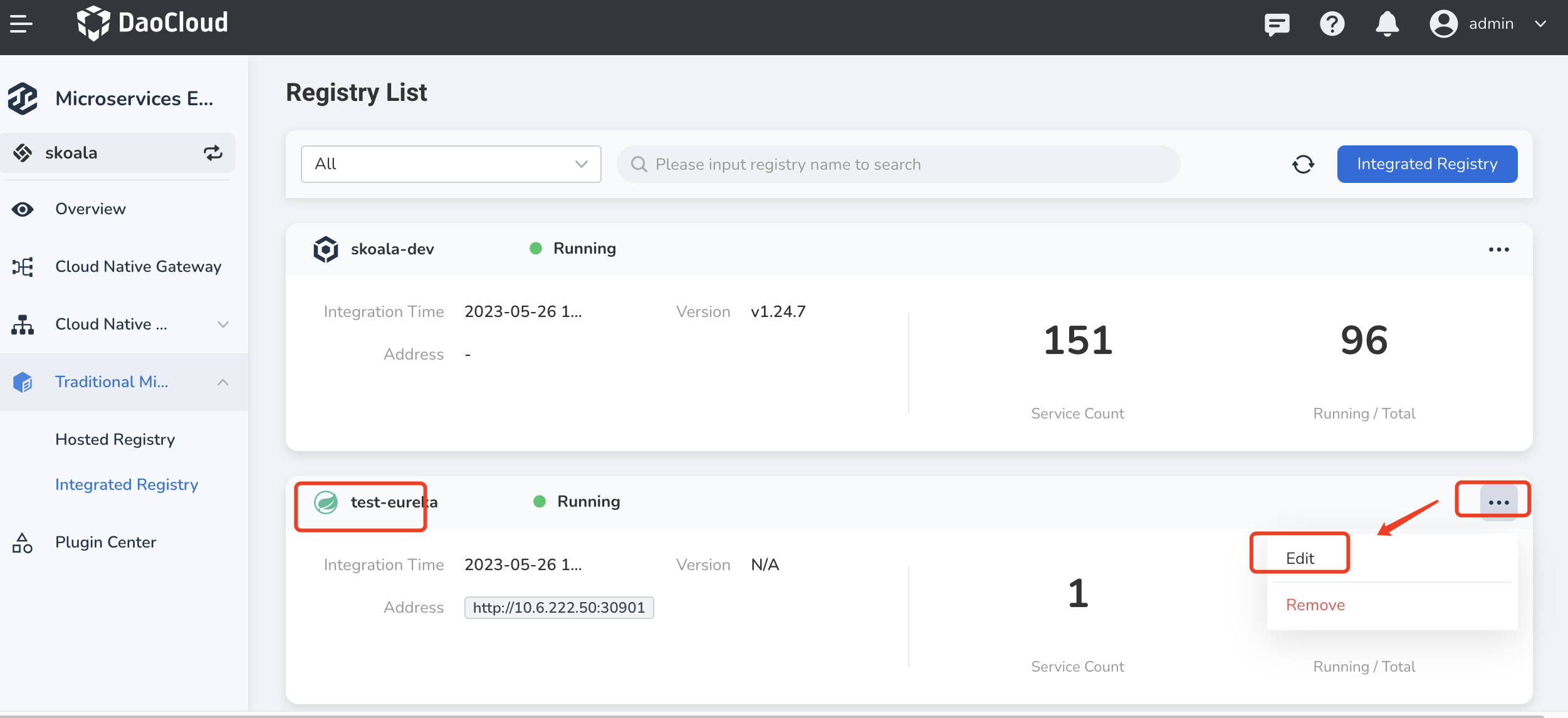
-
Add or remove the registry address, then click OK at the bottom of the page.
Note
To update a Kubernetes/Mesh registry:
- You can first remove the integrated registry, and then integrate another registry.
- You can also go to the Container Management module to update the corresponding cluster, or go to the Service Mesh module to update the corresponding mesh service.
Remove
-
In the
Registry Listfind registry you need to remove, on the right side click ┇ and select Remove .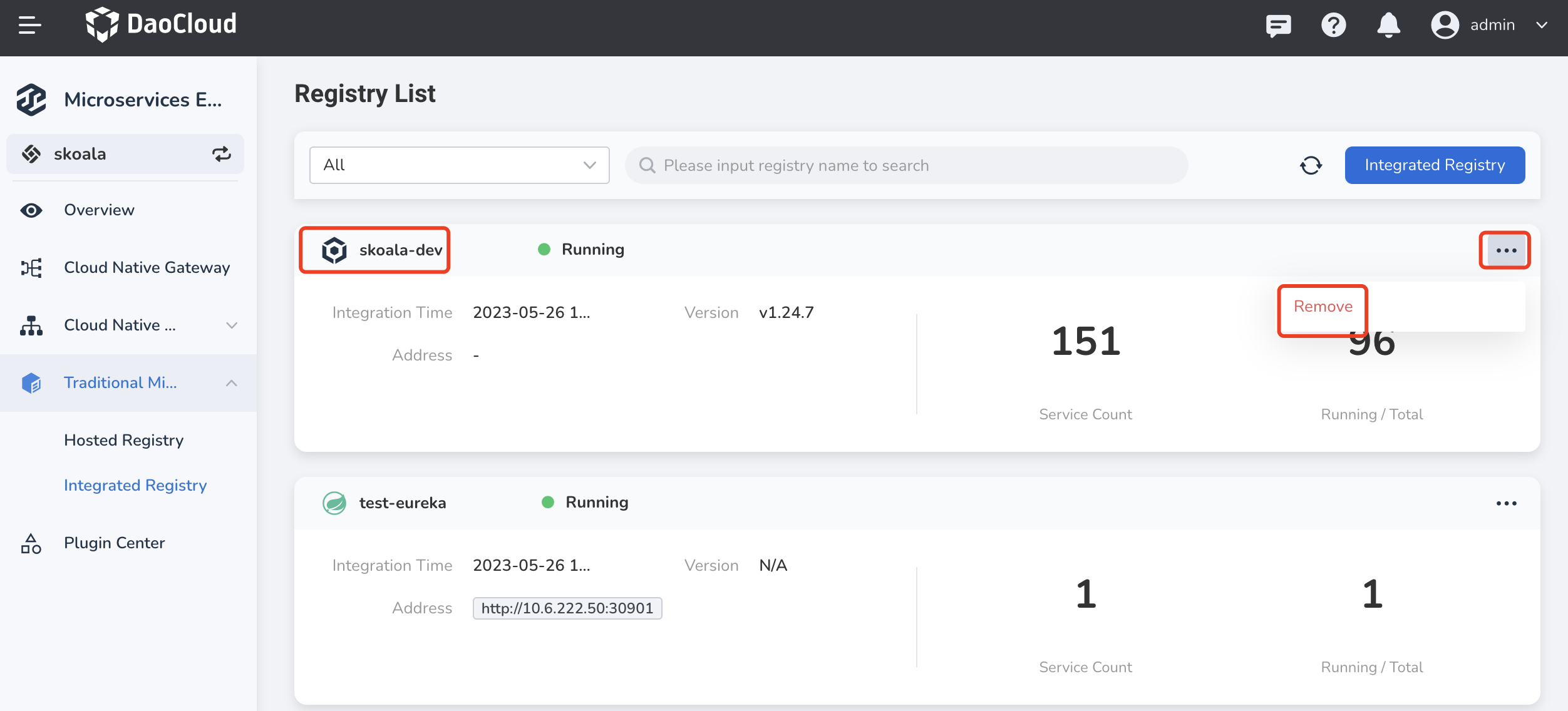
-
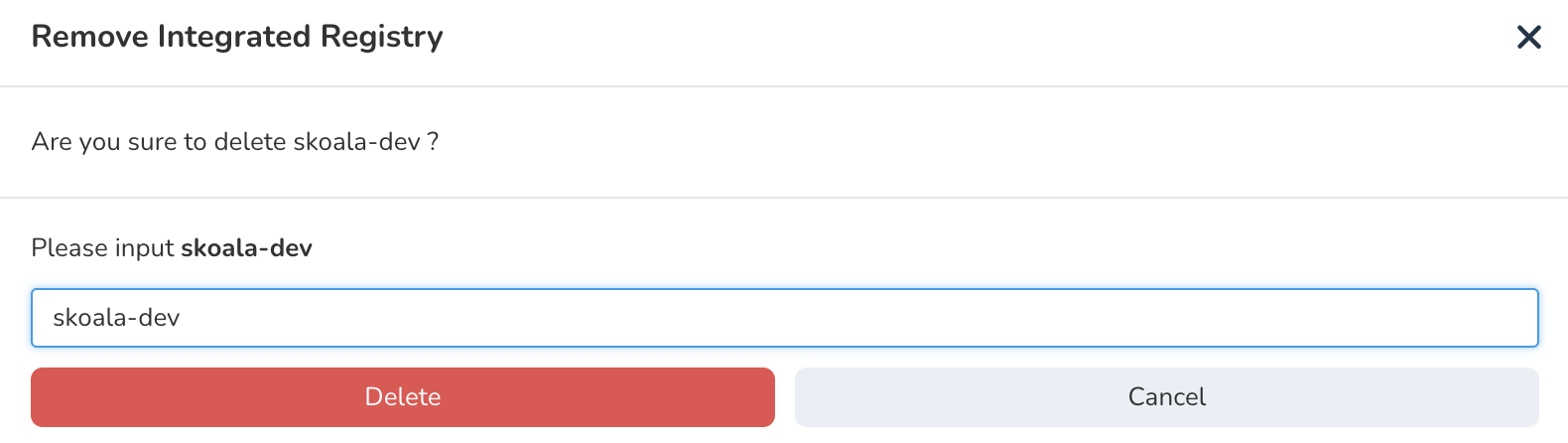
Enter the registry name to confirm that it is the exact one you want to remove, then click Delete .
Note
Integrated registries can be removed, while hosted registries can be deleted. The difference between the two is:
- Remove: The registry is removed from the DCE Microservices module. The registry itself and data are not deleted. You can access the registry again later.
- Delete: Deletes the registry and all the data in it. The registry cannot be used again. You need to create a new registry.